BG Renderer Max Background rendering with multiprocessing and notifications
Render compositions in the background with full control. BG Renderer Max uses After Effects' own rendering engine, so your renders always look exactly right. Multiprocessing, CPU limiter, sequence-to-video compilation, and 6 notification integrations — Discord, Slack, Zapier, Power Automate, IFTTT, and Pushover — all without leaving your project.
BG Renderer Max
Render in the background while you work. Multiprocessing, CPU limiter, and notifications via Discord, Slack & more.
Top Features
View on aescripts (opens in new tab) →Background Rendering
Render comps while still working on other projects — no render queue blockingMultiprocessing
Run multiple render instances in parallel for maximum speed on modern hardwareCPU Limiter
Set a hard cap on CPU utilization so you can keep working while renderingDiscord & Slack
Free render notifications via Discord Webhooks and Slack WebhooksSequence to Animation
Render to sequence and produce MP4 or ProRes at the same time6 Integrations
Discord, Slack, Zapier, Power Automate, IFTTT, and PushoverSee It in Action
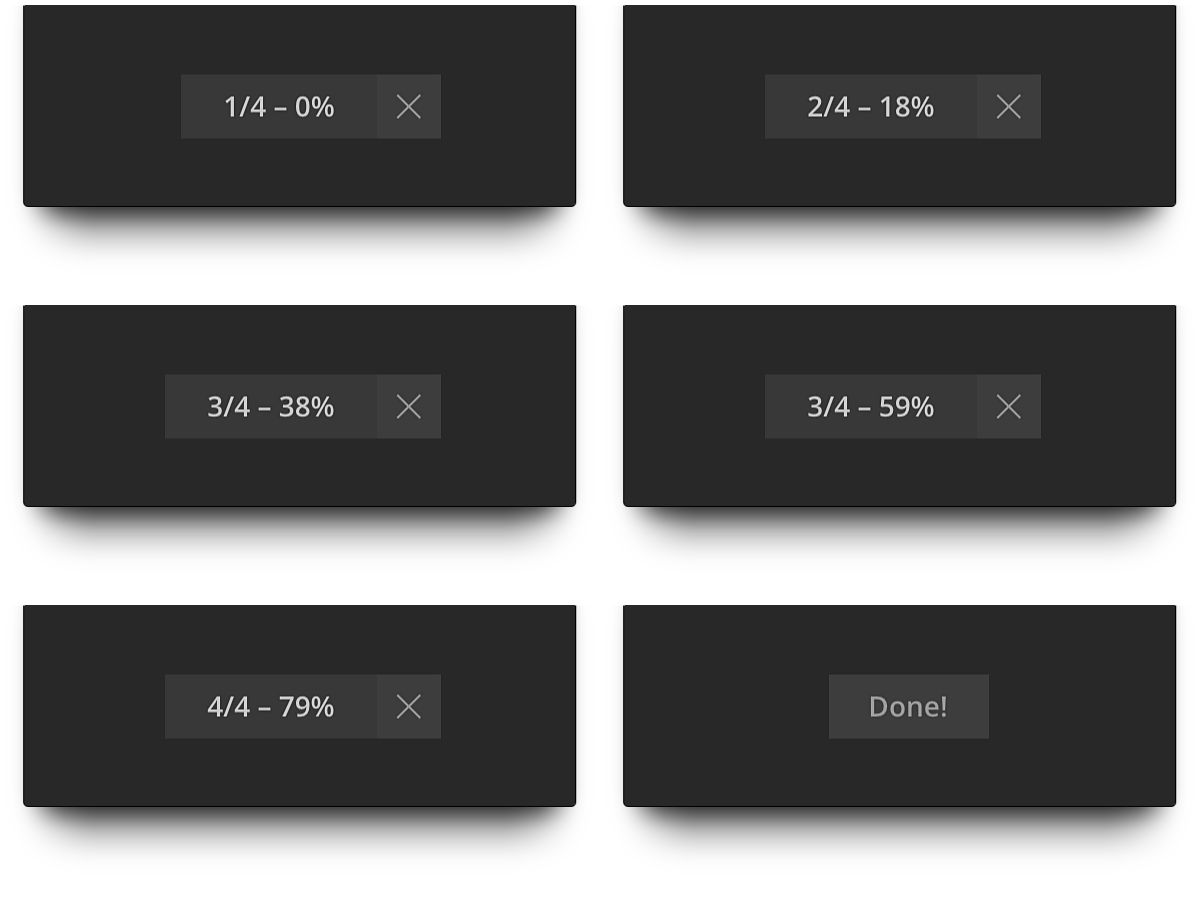
One-click Background Rendering
Start a background render with one click and keep working on other compositions. A minimal render indicator keeps you informed without getting in your way.
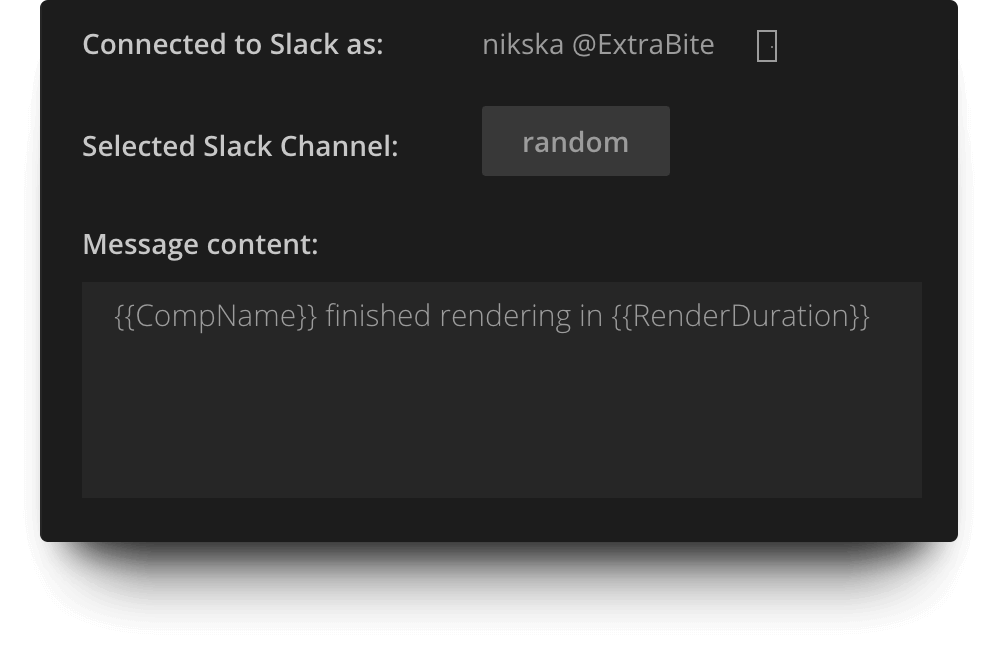
6 Notification Integrations
Get render notifications via Discord Webhooks, Slack Incoming Webhooks, Zapier, Power Automate, IFTTT, and Pushover. Discord and Slack are completely free.
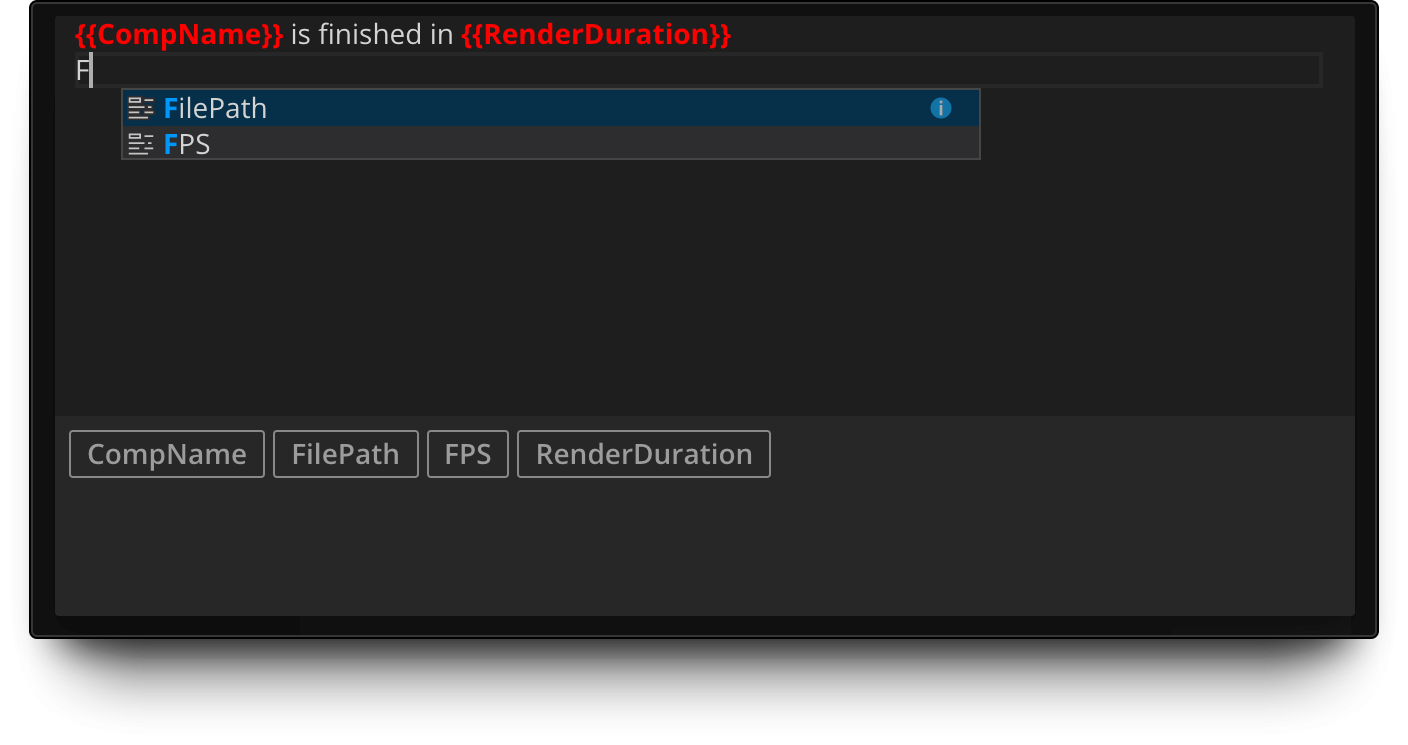
Powerful Message Composer
Create custom render notifications with the built-in Message Composer. Add tags easily with autocomplete and smart suggestions. Customize exactly what information gets sent.
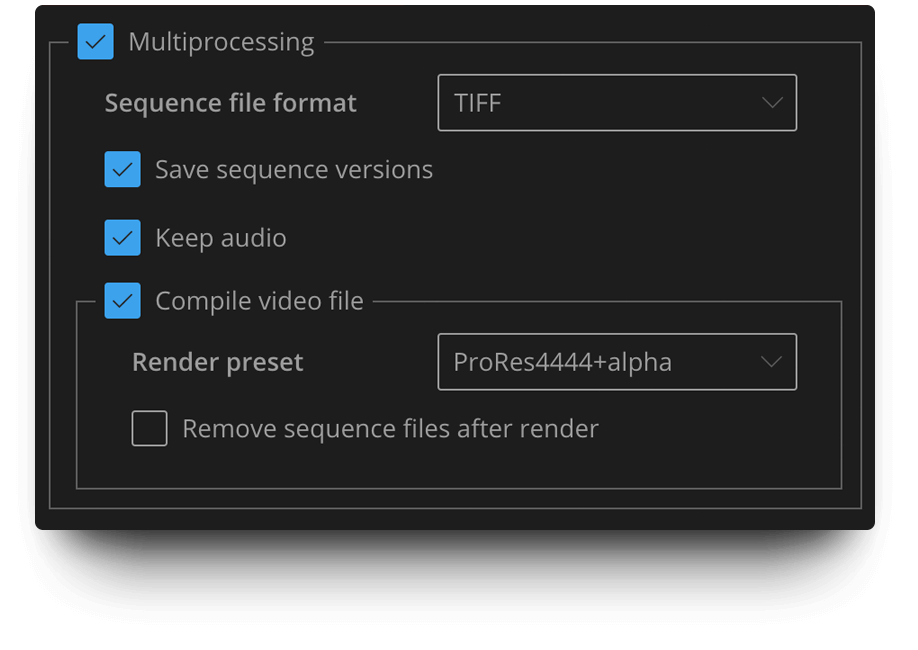
Compile Sequence to Animation
Render to sequence for pipeline integration and produce MP4 or ProRes at the same time! Get the best of both worlds with a single render pass.

Built-in Support
Get instant help on every part of the interface. Just right-click anywhere and access our extensive documentation with tutorials and screencasts.

Frequently Asked Questions
What is BG Renderer Max?
Does it work with the Render Queue?
What notification integrations are available?
What is multiprocessing?
What After Effects versions are supported?
Ready to try BG Renderer Max?
Render in the background while you work. Multiprocessing, CPU limiter, and notifications via Discord, Slack & more.