Gridder 2 Arrange layers into beautiful grids in After Effects
Gridder 2 arranges layers into customizable grids — rectangular, 3D, circular, or spiral. Instantly organize any number of layers into a perfect layout with a single click. Expression mode lets you animate the grid dynamically.
Gridder 2
Arrange layers into rectangular, 3D, circular, or spiral grids with one click.
Top Features
View on aescripts (opens in new tab) →Rectangular Grid
Arrange layers into neat rows and columns with custom spacing3D Grid
Distribute layers in 3D space for depth and perspective layoutsCircular Arrangement
Arrange layers in a circle or arc with radius and angle controlSpiral Layout
Create stunning spiral arrangements for dynamic compositionsExpression Mode
Use expressions to animate grid parameters dynamicallyOne-Click Apply
Select layers and apply any grid type with a single clickSee It in Action
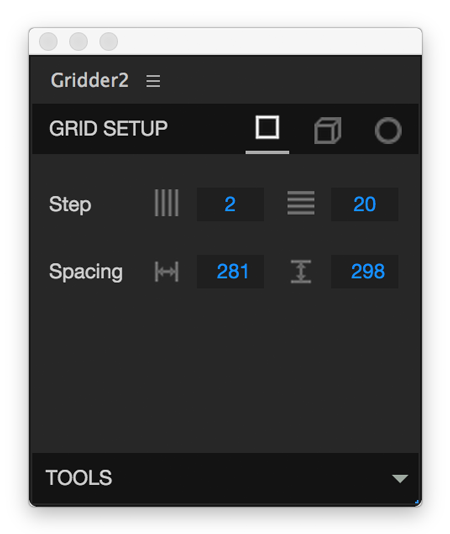
Rectangular Grid
Arrange any number of layers into a perfect rectangular grid. Control columns, rows, spacing, and alignment. Ideal for product showcases, photo galleries, and motion graphics.
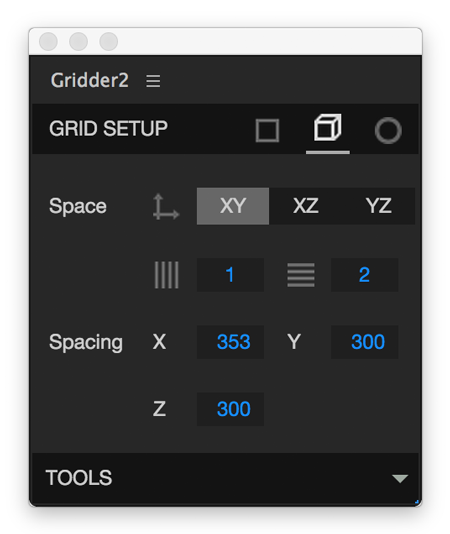
3D Grid Arrangement
Distribute layers across X, Y, and Z axes for stunning depth effects. Works with After Effects 3D cameras for full perspective control.
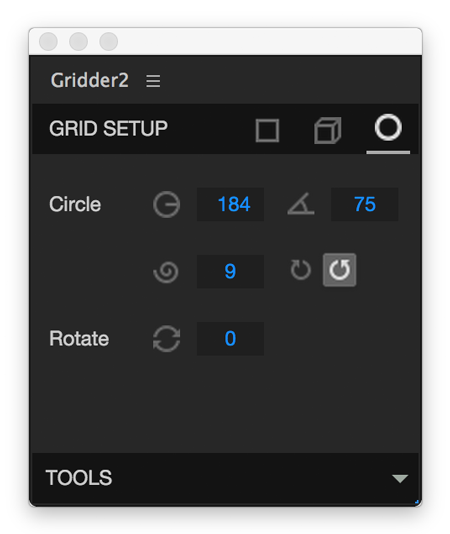
Circular & Arc Layouts
Place layers in a perfect circle or custom arc. Set the radius, start angle, and direction to create radial menus, clock faces, or abstract motion graphics.
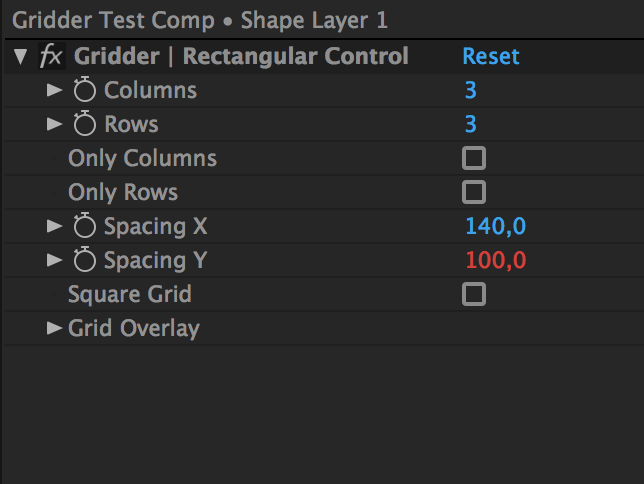
Expression-driven Grids
Use Gridder 2's expression mode to animate grid parameters over time. Create dynamic, responsive layouts that evolve as your animation plays.
Frequently Asked Questions
What is Gridder 2?
What grid types are available?
What After Effects versions are supported?
How do I install it?
Ready to try Gridder 2?
Arrange layers into rectangular, 3D, circular, or spiral grids with one click.